
Microsoft and Azure billing reconciliation for MSPs
Recover missed Microsoft and Azure revenue automatically
Sync 365 reconciles Microsoft 365 licences, Azure consumption, managed-user counts and custom recurring services with ConnectWise Manage, Autotask or HaloPSA, so your MSP bills what it delivers without adding more billing admin.
Built by an MSP for MSPs · setup in hours, not months · no card required
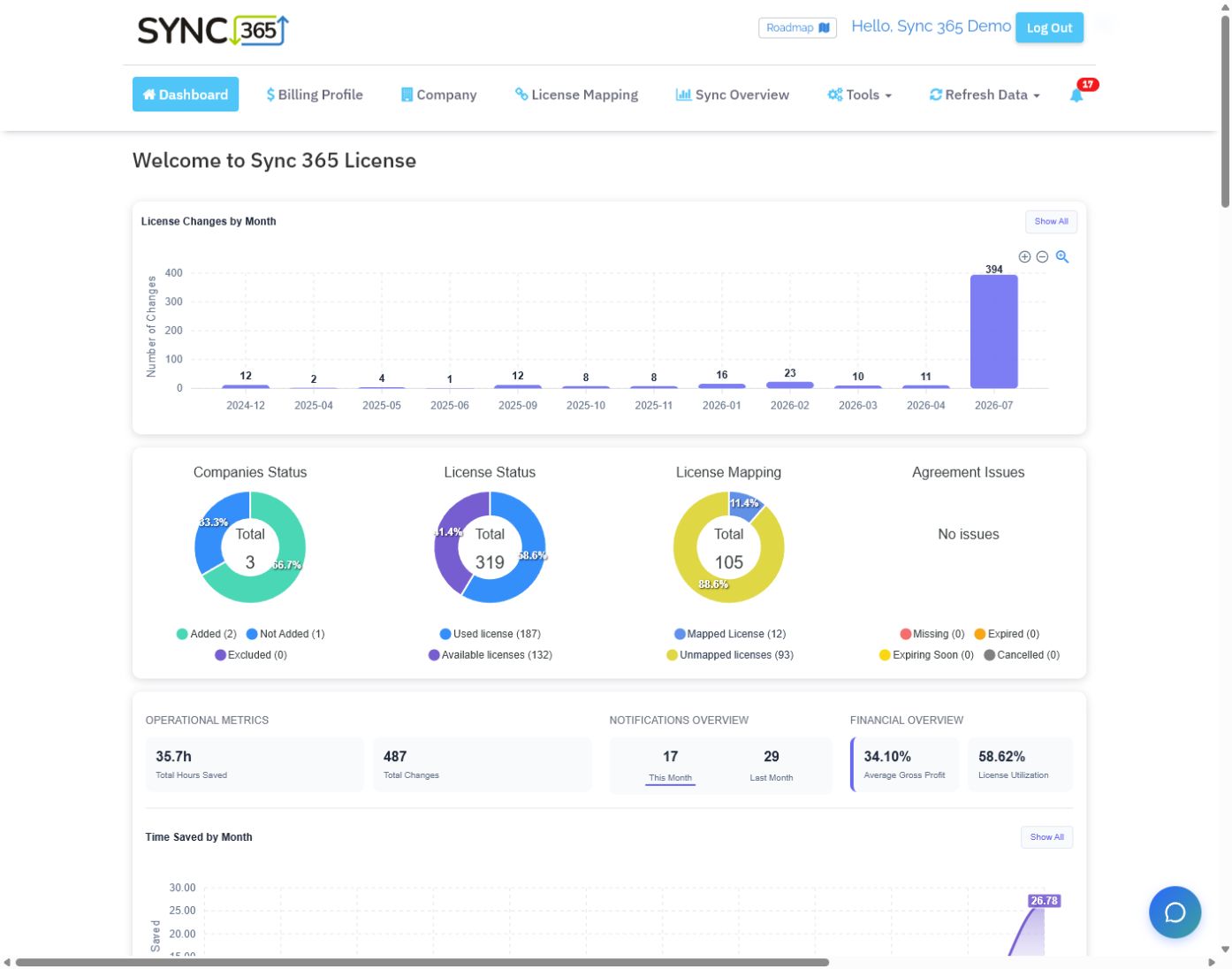
Where Microsoft billing leaks
Basic licence sync is not enough for MSP billing
A source count is useful, but it is not the same as the recurring lines your PSA will invoice. The gaps appear in proration, Azure markup, managed-service quantities, minimums, filters and customer-specific billing rules.
A licence is added, upgraded or reactivated. Microsoft charges you, but the PSA quantity does not move.
NCE and mid-cycle changes reach the invoice without the right proration.
Azure consumption and markup are rebuilt manually or missed at month-end.
Managed support, backup and security lines drift from user and mailbox counts, minimums, filters and customer rules.
Custom licence billing
Bill more than Microsoft licences
Basic licence sync copies a Microsoft count into the PSA. Sync 365 goes further: build the billable count your MSP actually uses, then apply that count to the recurring PSA agreement or contract lines that depend on it.
Billing sources
Start with the count the service actually uses
- Active managed-user counts
- Protected mailbox counts
- Microsoft licence and subscription counts
- Counts filtered by department, site or franchise
Sync 365 billing rules
Build the billable quantity
- Minimums and exclusions
- Add or subtract source counts
- Remove duplicate users
- Customer-specific mappings
Automated PSA billing
Automate the related billing in your PSA
- Managed support
- Microsoft 365 backup and overage
- Antivirus, EDR or email security
- Web filtering and other recurring services
Core billing workflows
One reconciliation layer for the recurring lines MSPs actually bill
Start with the area creating the most month-end work. Each path shows the mappings, billing rules and PSA workflow Sync 365 can automate.
Microsoft 365 licence reconciliation
Reconcile licence adds, removals, reactivations, NCE changes and proration daily, then keep PSA quantities aligned automatically.
Read the page →Azure consumption billing
Download consumption automatically, apply billing profiles and markup, then approve or auto-approve charges for PSA sync.
Read the page →Managed-user billing
Use daily active-user counts to keep support, backup, antivirus, web filtering and other recurring service quantities aligned.
Read the page →Custom licence billing
Use managed-user, filtered Microsoft and calculated counts—with minimums, exclusions and customer rules—to drive the recurring PSA lines you actually bill.
Read the page →AutoMapSet your billing rules once, then automatically map new Microsoft subscriptions to the right billing profile and PSA destination.
Microsoft 365 contact syncSync Microsoft users into PSA contacts using email matching, optional updates and site or contact-type filters.
Advanced workflows: split or merge Microsoft subscriptions, calculate overages and bundles, or separate one tenant into several billable counts.
Direct CSP? Explore controlled customer subscription visibility and ordering in the End User Portal.
How Sync 365 works
Connect your sources. Apply your rules. Keep your PSA aligned.
Sync 365 turns Microsoft 365, Azure and managed-user data into supported PSA billing updates using the mappings, billing profiles and sync or approval controls you configure, while your PSA remains the billing system of record.
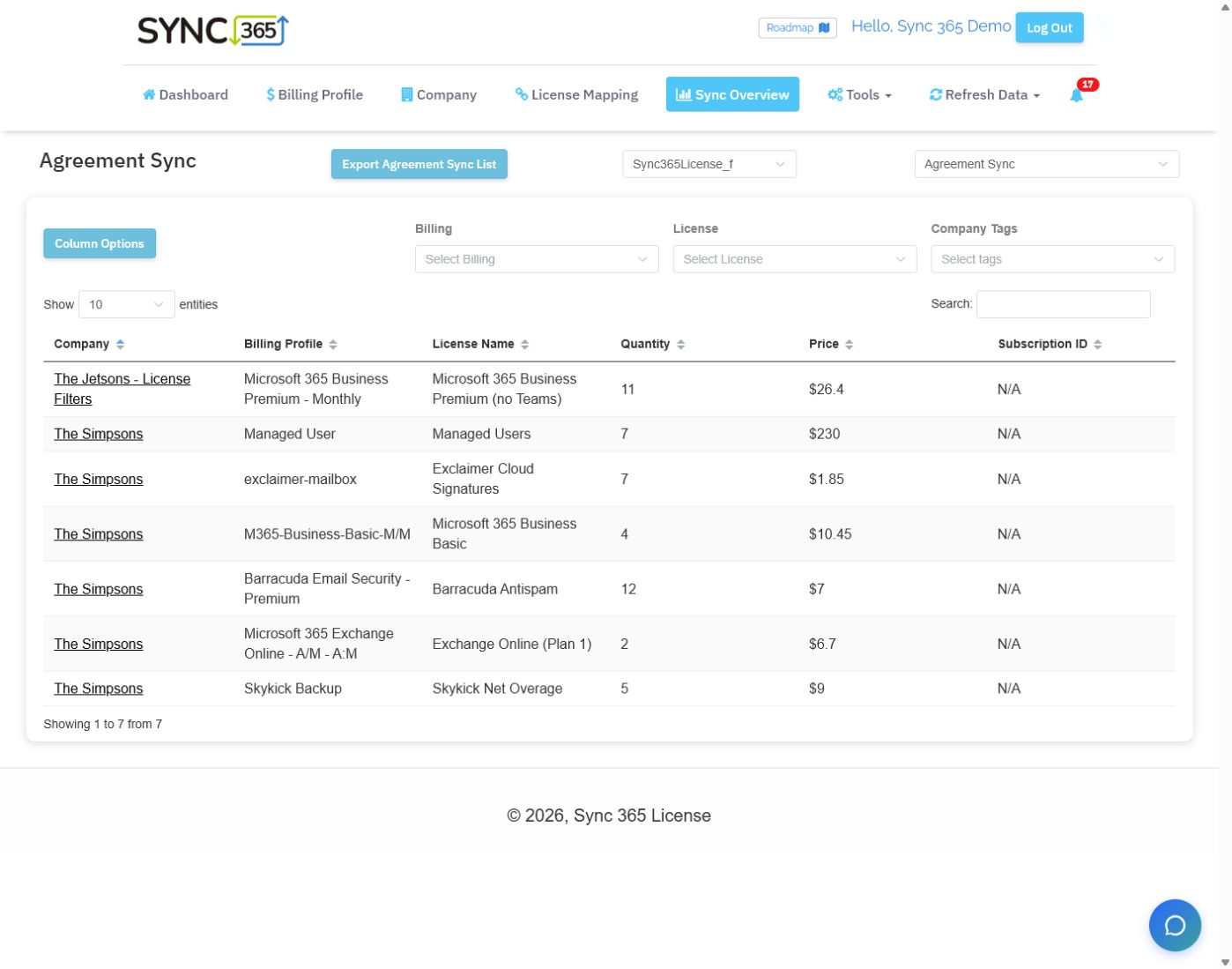
Who it's for
Built for the people who own the numbers

The Finance Ninja
Finance and billing teams
Close the month with invoice data you can explain across Microsoft licences, Azure, managed users and recurring services.
See the finance workflow →
The Smooth Operator
MSP operations managers
Connect and map customer billing rules once, then let automation handle the repeat work.
See the operations workflow →
The Big Boss
MSP owners and leaders
See where delivered licences and services drift from what the PSA is set to bill.
See recurring revenue control →Why MSPs choose Sync 365
Automate MSP billing reconciliation beyond basic catalogue sync
Basic sync tools can move a count. Sync 365 automates the billing work they leave behind — Microsoft CSP reconciliation, custom recurring services, Azure consumption, managed-user billing and customer-specific PSA rules.
Workflow need
Sync 365
Basic sync, spreadsheets or scripts
Microsoft-specific licence reconciliation
Built for CSP billing
Often simple count mirroring
Advanced custom billing
Filters, calculated overages, bundles and splits
Usually spreadsheet-heavy
One count → many PSA lines
✓
Manual checks
Azure and managed-user billing
Part of the billing layer
Often separate manual work
Configurable sync and approval
Automatic sync or approval by workflow
Manual checks or fixed sync behaviour
Companies that trust us
Trusted by MSP teams keeping recurring billing aligned







MSPs using Sync 365
Find missed revenue, reduce billing admin, trust the numbers
★★★★★
“In the first week using Sync 365, we discovered over $600/month we weren't billing our customers. This is worth every cent.”
Anthony B.Technical Services Manager
★★★★★
“It just works. When our requirements change they implement quickly. It saves us an unmentionable amount of hours each week and we're more profitable than ever.”
Paul M.Director, GP Support
★★★★★
“So simple and it just works. Sync 365 made billing sync feel easier to manage and easier to trust.”
Matt SpainCEO, Go Custom Cloud
★★★★★
“After hours fighting billing sync issues, Sync 365 took a few hours to set up and has worked smoothly since. Support is phenomenal — a no-brainer.”
Mike G.CEO, c-Forward
★★★★★
“Sync 365 made our billing faster, more accurate and much easier to trust. It cut invoice queries and turned a manual process into something repeatable.”
Chris F.Operations Director, Cleva Group
Simple pricing
Recover more than Sync 365 costs
Start with a 30-day free trial. Use Sync 365 to find billing drift across Microsoft 365, Azure, managed-user services, and custom recurring lines, then scale by customer count as your billing workflow grows.
Everything included
Free for 30 days
- Microsoft 365 licence reconciliation
- Azure consumption billing
- Managed-user billing
- Custom recurring billing rules
- AutoMap automated licence mapping
- Microsoft 365 contact sync
- Supported PSA billing workflows
- Multi-currency billing support
Before you start
Questions MSPs ask
Does Sync 365 replace my PSA invoicing?
No. Your PSA remains the billing system of record. Sync 365 reconciles counts, rules and billing changes, then updates supported PSA records using the sync or approval controls configured for that billing area.
Which PSAs does Sync 365 support?
Sync 365 supports PSA billing workflows across ConnectWise Manage, Autotask, and HaloPSA. Exact behaviour depends on PSA configuration and the agreement or contract records you want to update.
Is Sync 365 just Microsoft licence sync?
No. Licence sync is one use case. Sync 365 also supports Azure consumption billing, managed-user billing, custom recurring billing rules, minimums, exclusions, filters and one-count-to-many-line workflows.
Should I book a demo or start a trial?
The full trial includes Microsoft licence reconciliation, Azure billing, managed-user billing, custom recurring workflows and contact sync. Book a demo for guided help with calculated overages, mixed subscription terms, department or site splits, minimums, or PSA-specific rules.
What does one count drives many PSA lines mean?
It means the billable count your MSP actually uses, such as active managed users or a filtered Microsoft licence group, can update several related PSA agreement lines such as support, backup, antivirus, web filtering and security tools.
Billing workflow demo
Find missed billing in your own PSA
Use a demo to compare what you support with what your PSA is set to bill.Bring your Microsoft licence, Azure consumption, managed-user, and recurring-service billing rules into a demo. We’ll compare them with your PSA agreement quantities, show where drift appears, and outline how Sync 365 would help keep the right lines aligned.